How Xentra works
A tour of every module, written for running a shop — not for an accountant.
Getting started
Setting up takes four steps: create your business account, add your first branch, add a product, and make your first sale. Everything else in Xentra builds on those four things.
- 1Sign up and tell us a bit about your business — Xentra uses this to switch on the right tax rules and defaults for you.
- 2Add your branch under Settings → Branches (Xentra creates one register/till for it automatically — add more if you run several counters).
- 3Add your first product under Products, typing it in or scanning its barcode.
- 4Open Point of Sale, add the product to the cart, and charge — that's your first sale recorded.
Dashboard
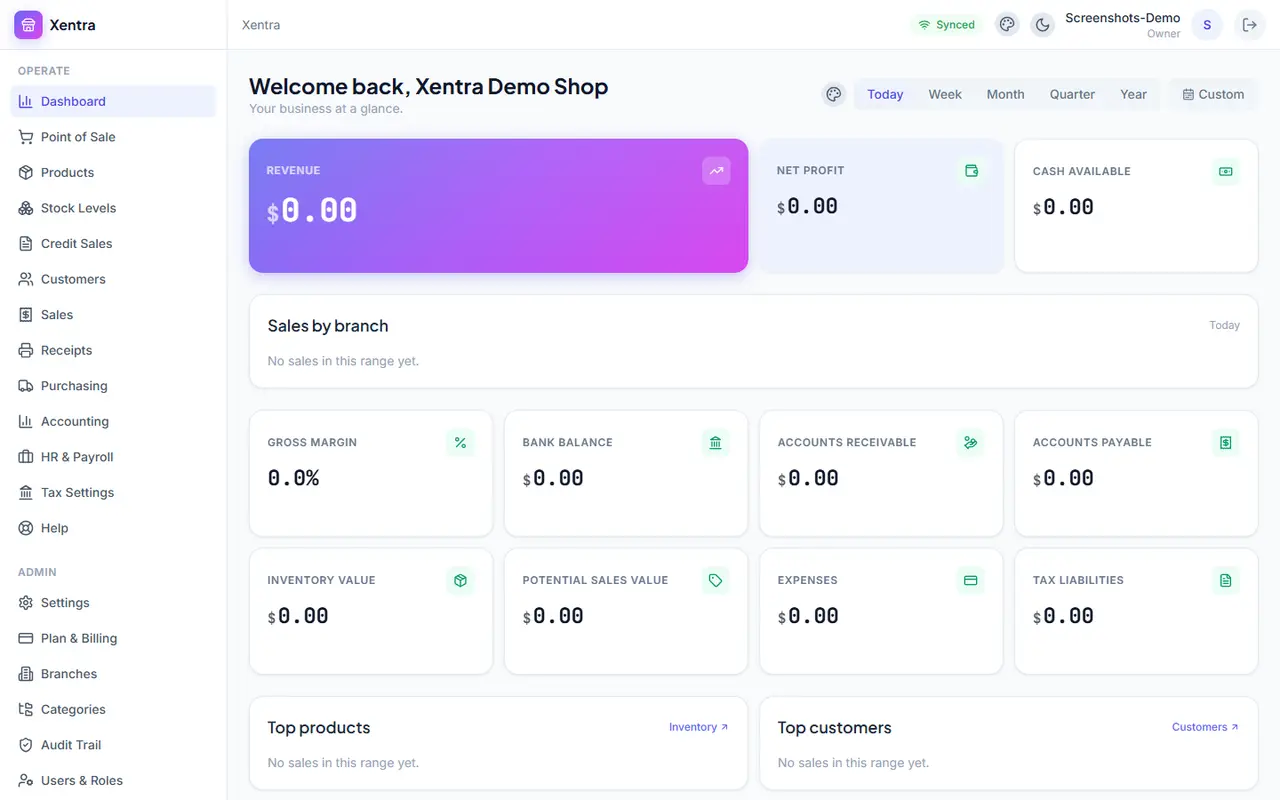
The Dashboard is your business at a glance: revenue, profit, cash on hand, inventory value, and anything that needs attention (low stock, overdue credit sales) for whatever time range you pick — Today, Week, Month, Quarter, Year, or a custom range. Tap any figure to jump straight to the page it came from.
Point of Sale
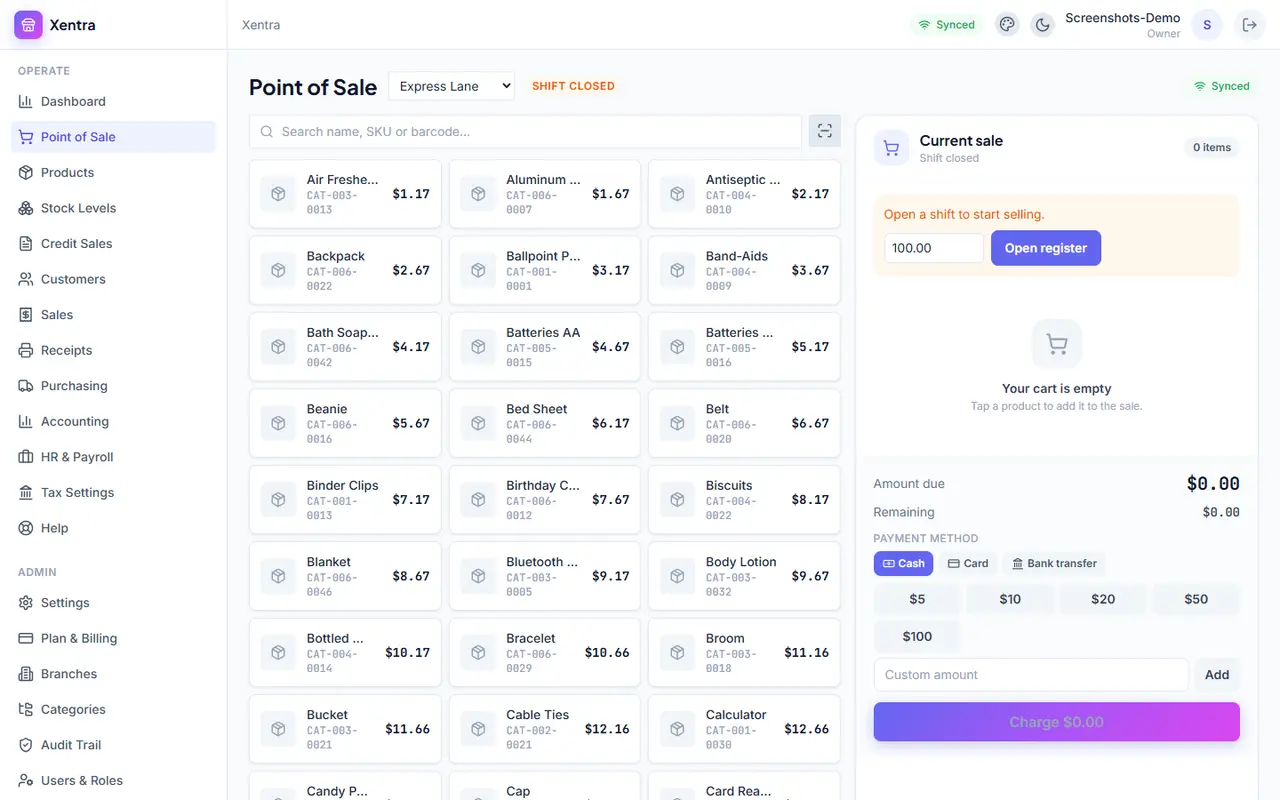
This is the till. Search for a product by name or scan its barcode, adjust the quantity, and charge — cash, card, transfer, mobile money, or split across more than one. POS keeps working without an internet connection: sales queue on the device and sync the moment you're back online, so a bad connection never stops a sale.
- 1Open a shift by opening the register before your first sale of the day.
- 2Search or scan each product into the cart.
- 3Tap Charge, choose how the customer is paying, and confirm.
- 4Print, share, or skip the receipt — your choice, per sale.
Products & Stock Levels
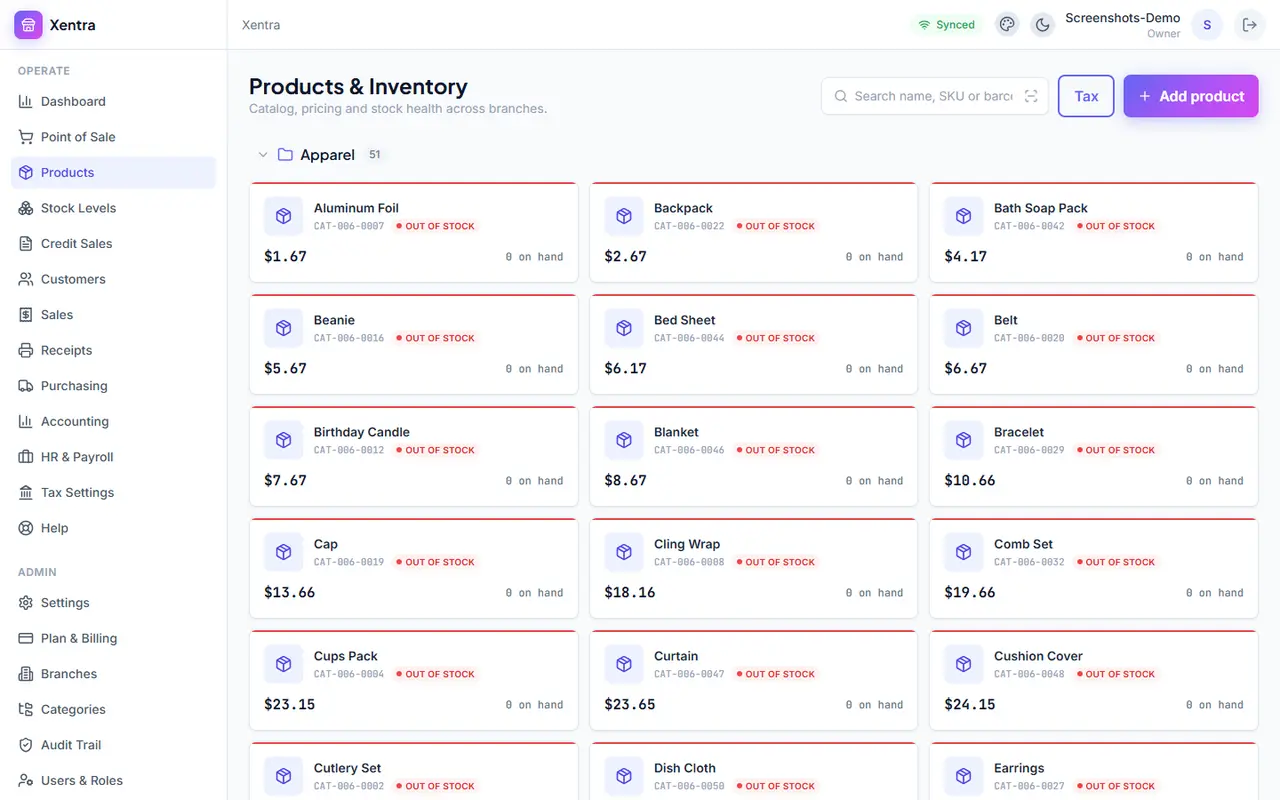
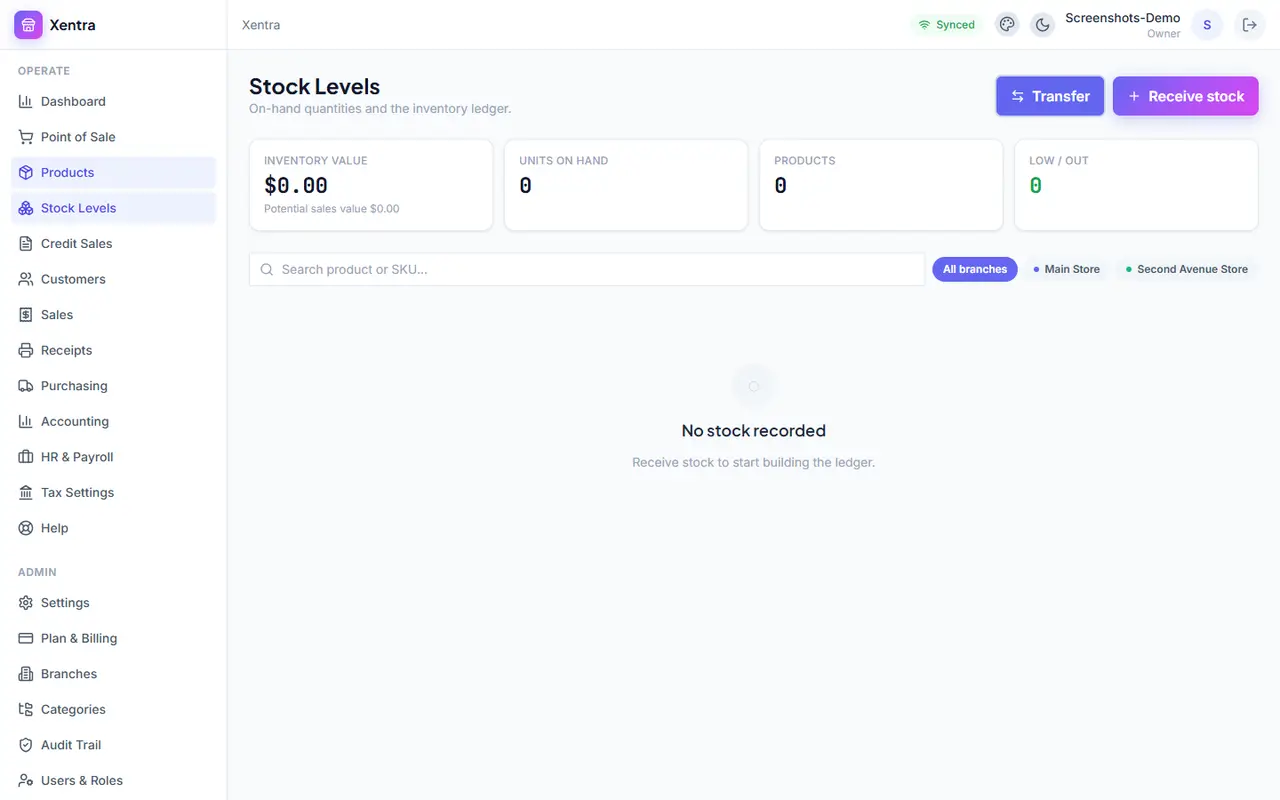
Products holds your catalog — name, price, barcode, category, and an optional discount. Stock Levels shows what's actually on the shelf right now, branch by branch, and lets you receive new stock, adjust a count, transfer between branches, or write off damaged goods. Every one of those changes is recorded in a ledger you can review later.
Categories
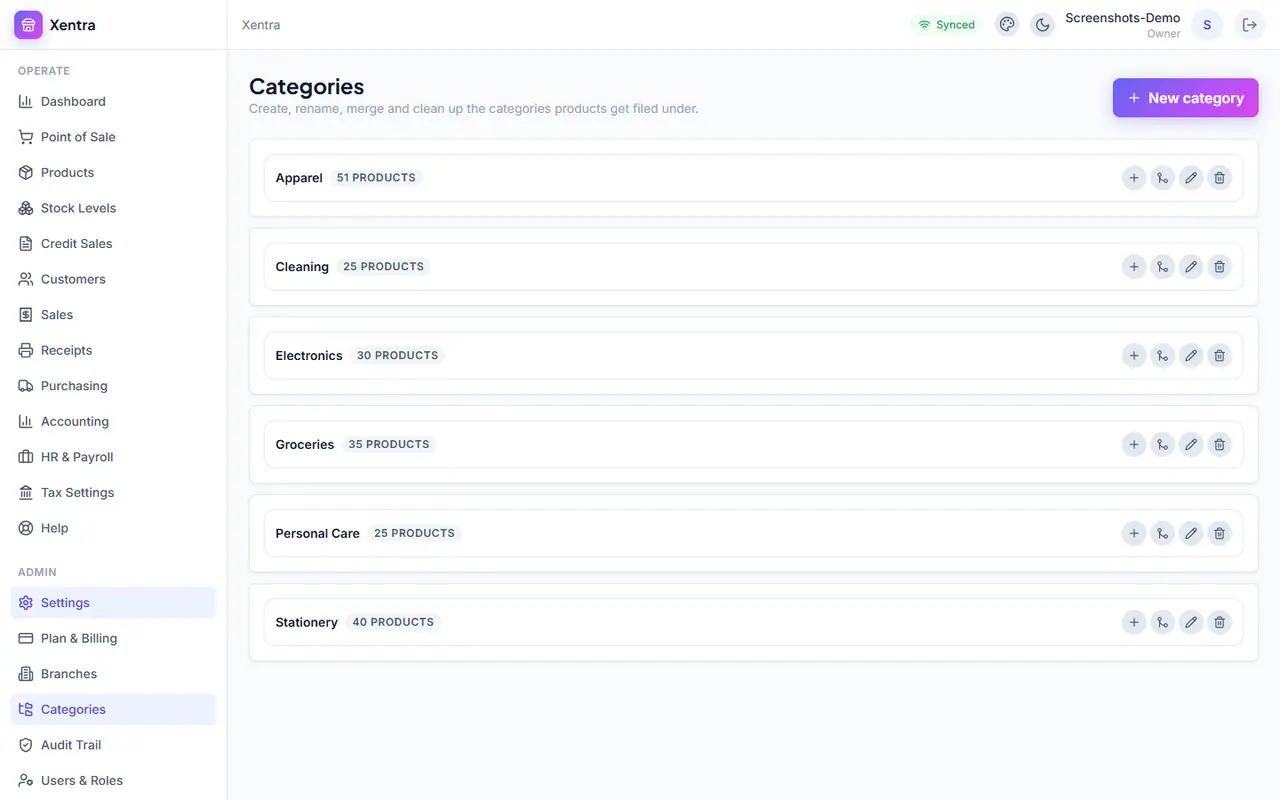
Group products so they're easy to find, and so a whole group can share a default tax rate or discount instead of setting it product by product. Categories can nest one level deep (e.g. Drinks → Soda), and merging two categories moves their products and subcategories over automatically.
Credit Sales
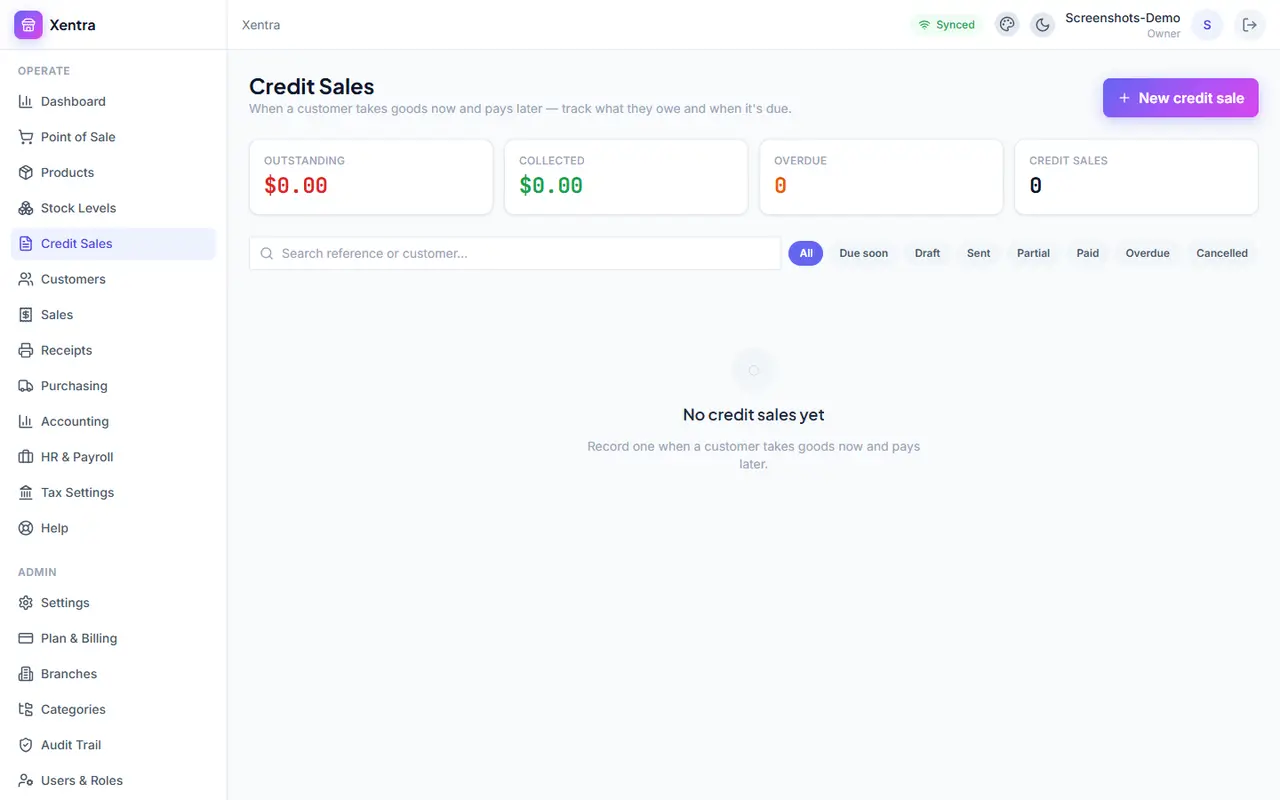
For the everyday reality of handing goods over now and getting paid later. A credit sale tracks what's owed and its due date, and Xentra surfaces a reminder as that date approaches — on the sale itself and on the Dashboard — so nothing slips through unnoticed.
Customers
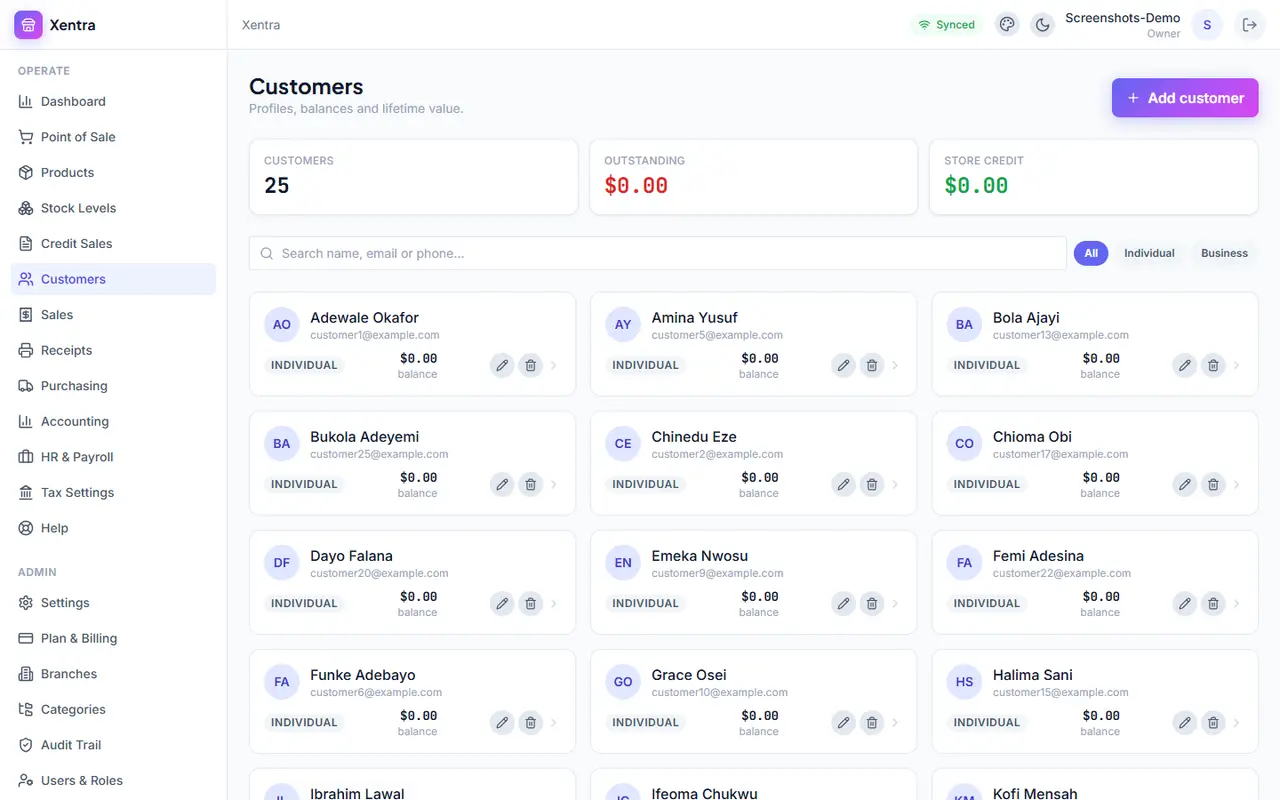
A record of everyone you sell to — contact details, purchase history, and (for credit customers) a running balance of what they owe. Useful for anyone you sell to regularly, not just credit-sale customers.
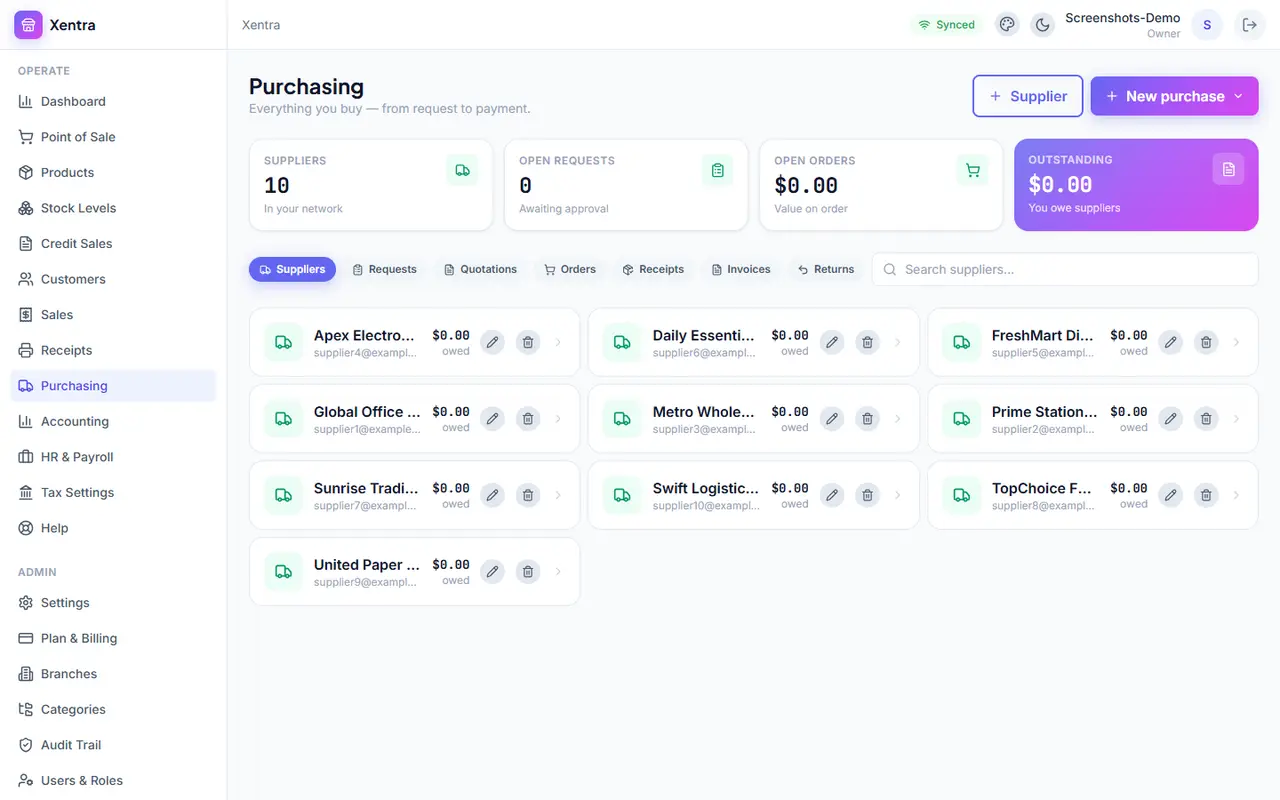
Purchasing
The other side of inventory: suppliers, purchase orders, quotations, and receiving stock in. When a delivery arrives, receiving it against its order fills in the expected quantities automatically — you only need to edit the lines that came in short.
Accounting
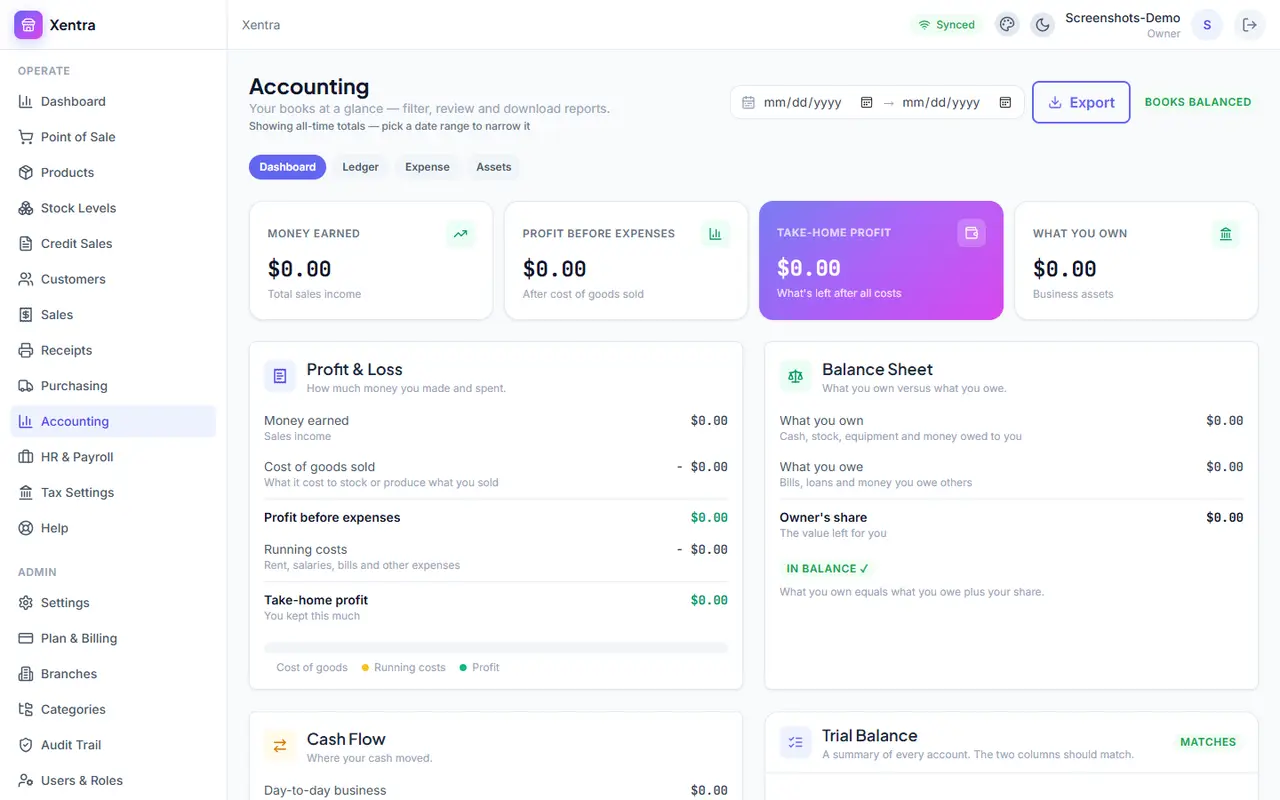
Every sale, purchase and expense is turned into real double-entry books automatically, in plain language — Money earned, Profit before expenses, Take-home profit, What you own — with the full Ledger, Profit & Loss, Balance Sheet and Trial Balance available for anyone who wants the underlying detail. The date filter defaults to showing everything ever recorded; narrow it to a specific period any time.
HR & Payroll
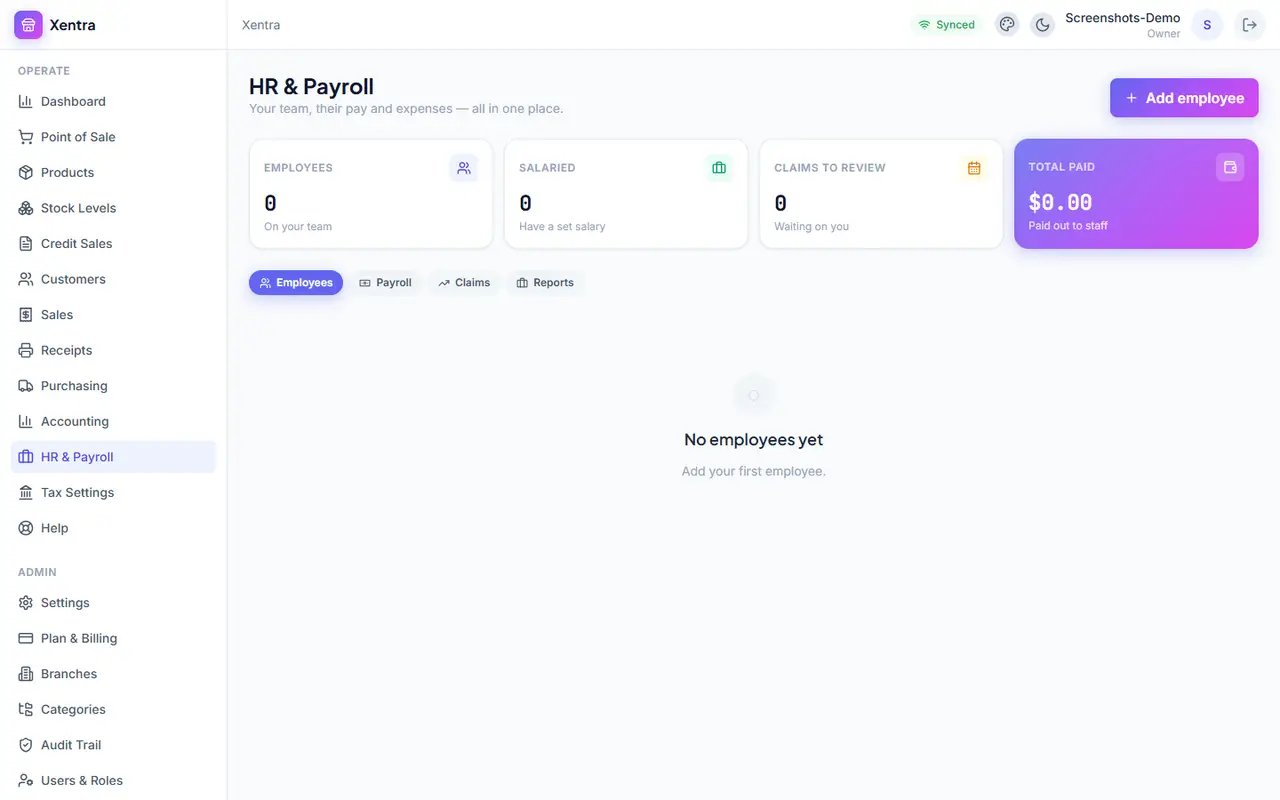
Employee records, salary structures, and payroll runs, plus staff expense claims — kept in the same books as everything else, so payroll costs show up correctly in your Accounting reports without any extra work.
Tax Settings
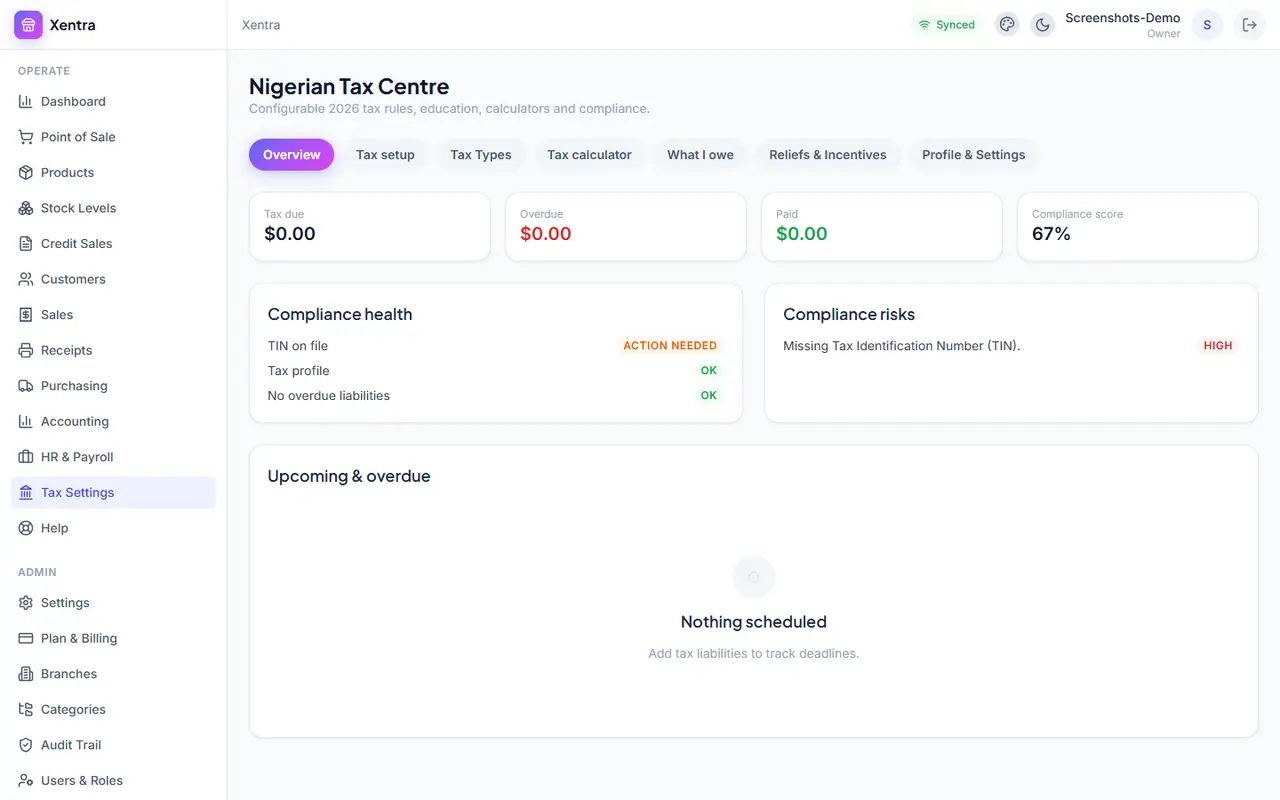
Nigerian statutory rates (VAT, CIT, PAYE and others) are pre-loaded with a plain-English explanation of each one, switched on or off based on how you described your business when you signed up. Applied automatically at the point of sale — nothing to calculate by hand.
Marketing
Connect your social accounts, draft and schedule posts (with AI help if you want it), run promotions, and see which campaigns actually turned into sales — attributed back to real revenue, not just clicks.
Settings
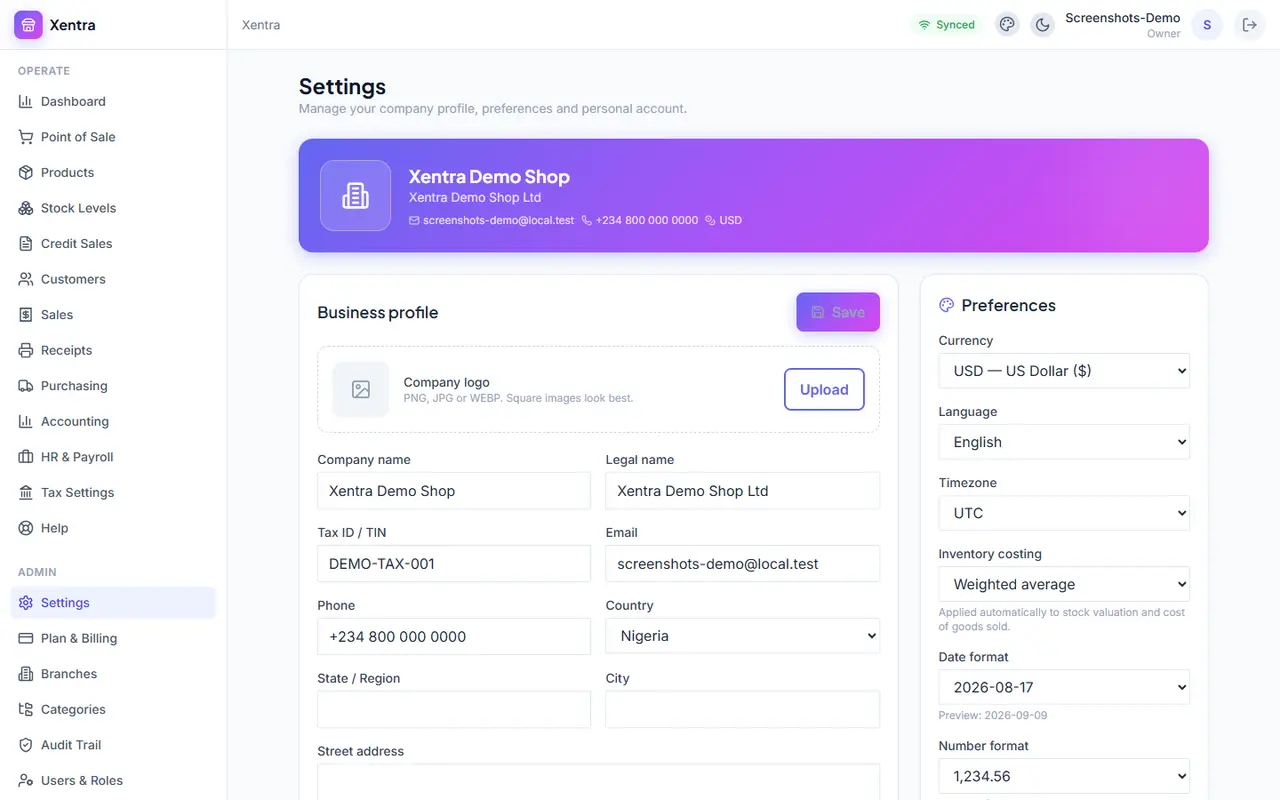
Branches & tills, categories, users & roles, and your plan all live under Settings. Users & Roles is where you control exactly what each staff member can see and do — a cashier and an accountant should rarely have the same access.
The mobile app
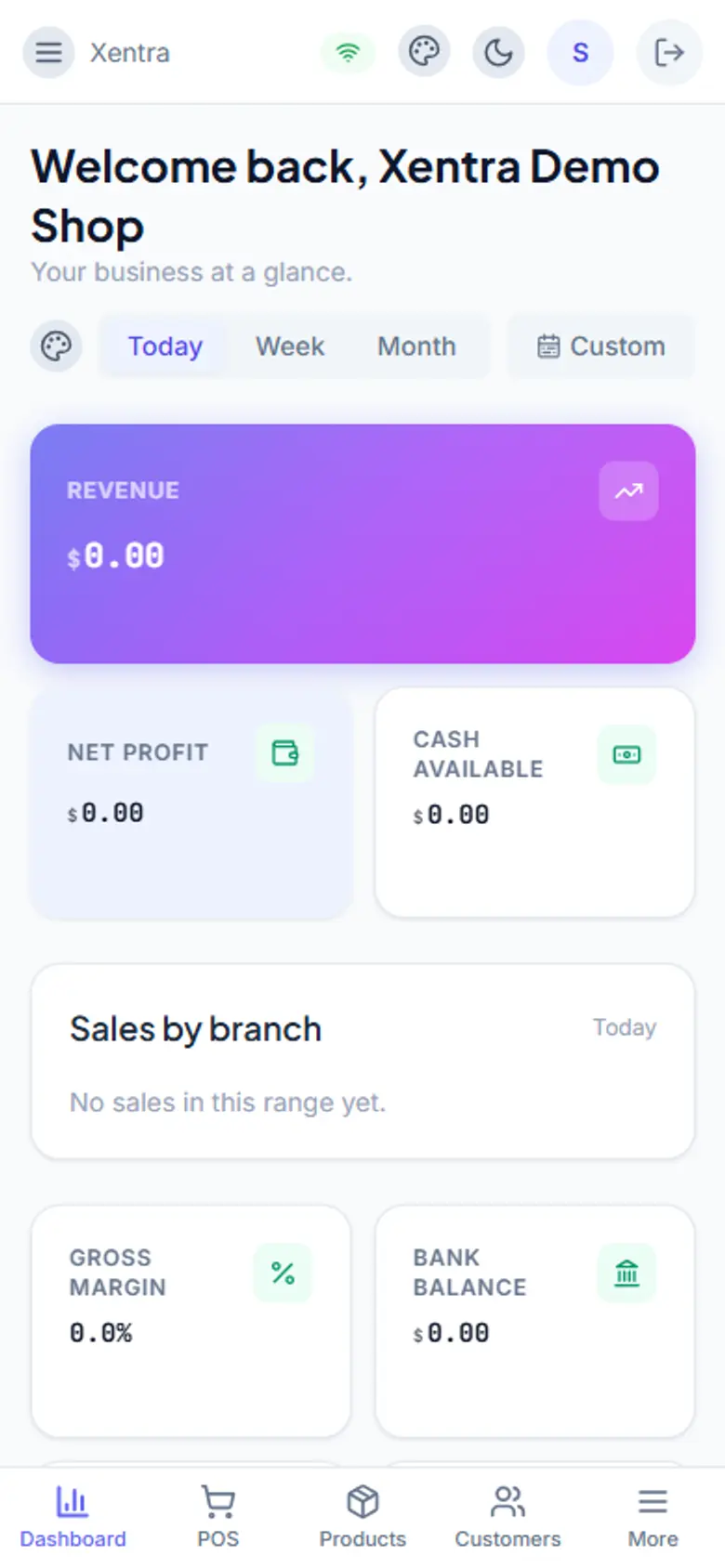
Xentra is also available for Android and iOS, built to match the web app's design and cover the same day-to-day work. A few things are adapted for a phone — bottom sheets instead of pop-up windows, a native barcode scanner — and a couple of desk-only jobs, like editing the chart of accounts, are left to the web app on purpose.
Staying offline-ready
Point of Sale is built to keep selling through a dropped connection — every sale is saved on the device first and synced the moment you're back online, in the order it happened, so nothing is lost and nothing double-counts.